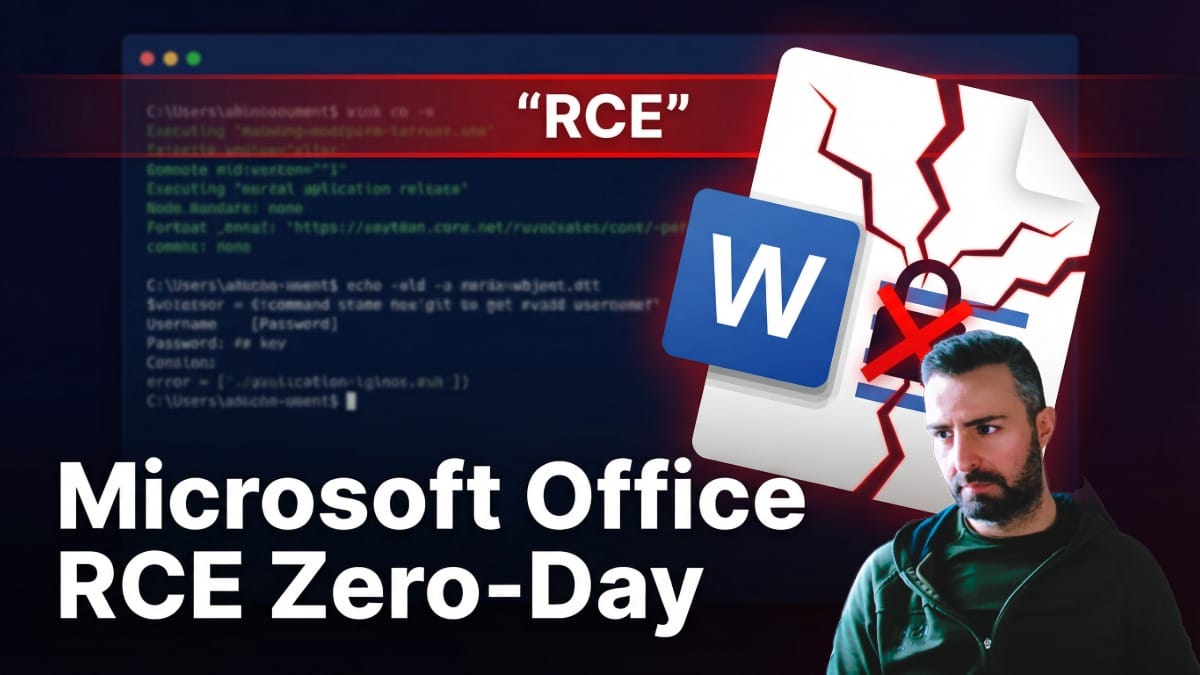
How Malicious Office Documents Led to RCE : CVE-2026-21509
In the relentless cycle of cybersecurity patches and panic, it is easy to become desensitized to the term Zero-Day.
However, the recently disclosed CVE-2026–21509 demands our immediate and undivided attention, not just because it targets the ubiquitous Microsoft Office suite, but because of the terrifyingly quiet nature of its execution.
I find this particular vulnerability to be a stark reminder that our reliance on user awareness is a fragile defense line when the system itself stops warning us.
In late January 2026, the cybersecurity world was jolted by an out-of-band Microsoft disclosure regarding CVE-2026–21509, a critical zero-day vulnerability affecting the Microsoft Office suite.
Unlike typical macro-based attacks that require user coercion to Enable Content, this vulnerability is a Security Feature Bypass that allows malicious code execution simply by opening a specially crafted RTF or Word document.
Technical Analysis: When Enable Content Disappears
We have trained an entire generation of office workers to pause when they see that yellow bar across the top of a Word document , the one asking to “Enable Content” or “Enable Editing.”
The exploit leverages a flaw in how Microsoft Office handles Object Linking and Embedding (OLE), a feature that allows documents to nest inside one another like Russian nesting dolls.
Typically, embedding an executable inside a Word doc triggers a security warning.
This vulnerability, however, silences that warning entirely. As demonstrated in the analysis, opening a specially crafted document results in immediate code execution without the user ever explicitly consenting to run an embedded object.
This zero-click adjacent behavior transforms a standard social engineering attack into a near-guaranteed compromise, as the victim’s only mistake is simply opening the file to read it.
Using a Proof of Concept (PoC) script available on GitHub, we see the creation of a malicious .docx file that, to the naked eye, appears harmless.
When analyzed in an isolated sandbox environment like Any.Run, the true danger becomes visible in the process tree. Upon opening the document, the Microsoft Word process (winword.exe) immediately spawns a child process in this demo, a dummy executable named ai.exe.
In a real-world scenario, this wouldn't be a harmless test file; it would be a reverse shell, Cobalt Strike beacon, or ransomware payload establishing a connection back to a Command and Control (C2) server.
The most chilling aspect of the demo is the absence of the standard security prompts. While a recover content error may appear due to the rough nature of the PoC, the specific "Protected View" or "Blocked Content" warnings we rely on to stop OLE attacks are conspicuously missing.
This successful bypass of the Mark of the Web protections means that even files downloaded from the internet could theoretically execute payloads before the user realizes something is wrong.

Patching and Mitigation
The reach of this vulnerability is extensive, affecting a wide range of products including Office 2016, 2019, LTSC 2021, and Microsoft 365 Apps for Enterprise.
It is a legacy of code that has likely existed for years, now weaponized.
Affected Versions:
- Microsoft Office 2016 & 2019 (Most Critical — Requires Manual Patching)
- Microsoft Office LTSC 2021 & 2024
- Microsoft 365 Apps for Enterprise
The mitigation strategy is straightforward but relies heavily on organizational agility: patch immediately.
Microsoft has released updates that address this specific flaw in the OLE security decision process.
However, for organizations trapped in bureaucratic update cycles or running legacy systems that cannot be immediately patched, there is a manual workaround.
Administrators can modify the Windows Registry to enforce stricter OLE behaviors. Specifically, adding a new subkey to the Office registry hive can effectively neutralize the bypass.
While editing the registry is often seen as a boring or risky task, in this case, it is a necessary surgical intervention for those who cannot wait for a global patch rollout.
Conclusion
We often blame users for clicking the link or enabling macros, but CVE-2026–21509 victimizes the user by removing the agency of choice.
If the application itself fails to identify and flag untrusted input, we cannot expect an accountant or HR representative to spot the difference between a legitimate invoice and a weaponized OLE container.
This underscores the absolute necessity of Defense in Depth, if your endpoint protection (EDR) misses the initial execution because it looks like a standard Office process, and if Office itself remains silent, the game is lost.
This zero-day is a wake-up call that we need to be looking at process relationships (why is Word spawning PowerShell?) rather than just relying on the application to police itself.
👉 Join the Cyber Security Notes Membership: